DWBouncers/Clients/mIRC
< DWBouncers | Clients
DWBouncers/Clients/mIRC Setup Guide
This page explains how to configure DWBouncers/Clients/mIRC to connect with DWBouncers (ZNC or Soju).
Requirements
- A valid DWBouncers account (ZNC or Soju)
- Server details: Template:DWBouncerServers
- Username format:
- For ZNC:
username/network - For Soju:
username
- For ZNC:
- Your assigned password
Connection Settings
| Setting | Value |
|---|---|
| Server | bouncers.darkworld.network
|
| Port | 31337 (SSL) or 1337 (non-SSL) |
| SSL | Yes (recommended) |
| Username | username/network
|
| Password | Your DWBouncer password |
Step-by-Step Setup
- Open DWBouncers/Clients/mIRC.
- Use the following command:
/server -m bouncers.darkworld.network +31337 Username/darkworld:password - Connect.
Example Screenshot
-
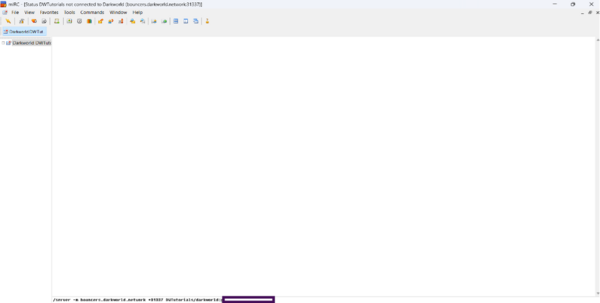 Example server configuration in DWBouncers/Clients/mIRC

Troubleshooting
- Double-check your username format (
username/network). - Ensure SSL is enabled on port 31337.
- If you cannot connect, verify your credentials on ZNC Webadmin or Soju Panel.